
Guidelines – How to Use
Step by Step Guidelines to use Skilling India Portal
Step 1 – How to Use
Please check complete Video to get detailed overview on various support services we offered.
- Authorised Job Portal to Apply verified Jobs
- Connect with Top Hiring Companies.
- Learn Free Online Courses,
- Certification Support.
- Entrepreneurship Support.
Step 2 – Update Your Profile
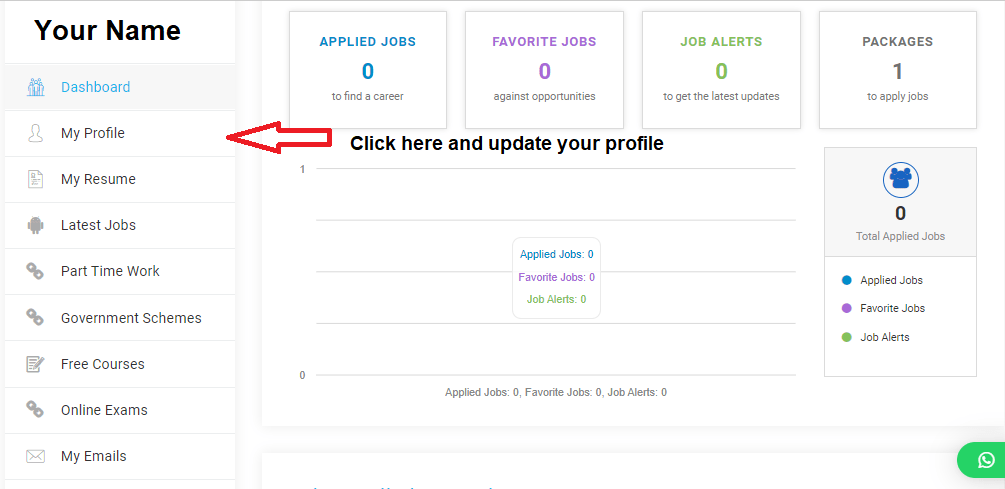
- Once you logged in, Dashboard will open to use all your services.
- Check 2nd Option – “My Profile” and Update all the fields with your Personal details, Education Information, Experience details etc.
- Save the information so your profile will be created and it will be accessible to Company HR.
- Please Note :- The HR get access to this profile once you apply to any particular job.
Profile Update
Step 3 – Set Job Alerts
ITs difficult to check all the latest jobs every time and time consuming, therefore we have made it easy to set alerts for your most preferred jobs. The alerts can be set as per sector wise, Location wise, Skills Set on Daily / Weekly / Monthly alerts system. The alert triggered the email with all company information with the job details on email as per preference set. Candidate can set multiple job alerts in single login.
WhatsApp Channel – Click to Follow our Channel to get latest update.
How to Download Resumes
We have provided extended support to get Professional Resume formats for you.
- Update all your information from “My Profile” and save the details.
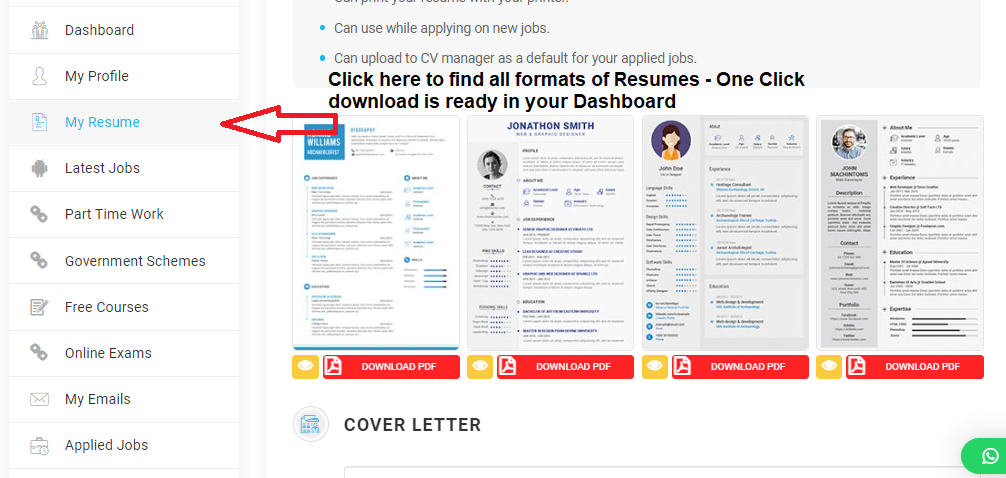
- Check “My Resumes” option – you will find 10 different professional resumes to download.
- Check any format and click on download. You will get the Resume in PDF form with all your information.
- You can download all 10 formats and use which you like.
- Please Note :- Fill complete information in My Profile to get correct formatted resume.
Resume Download
How to Apply Government / Private Jobs
- Before applying for Jobs, ensure you have updated all information from My Resume and My Profile in User Dashboard.
- Once you update your information, Skills, Experience, you can visit to All Jobs section and apply for relevant jobs as per location or eligibility.
- You can edit your profile any time with your latest skills, education or experience.
How to Learn Free Courses ?
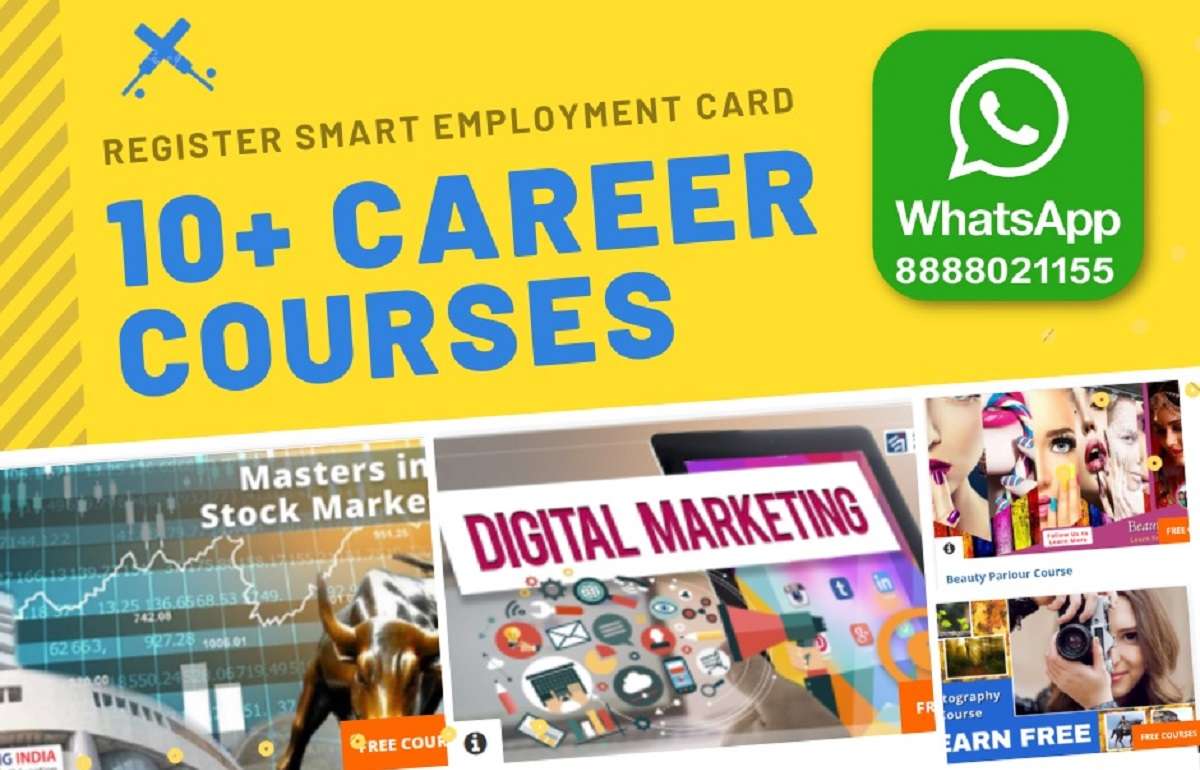
Skilling India Smart Employment Exchange is extending our support for Digital Smart Employment Card registered members to upgrade their basic job skills, soft skills as per industry trend and enhance their employment opportunities. Please check All Courses tab from menu to access various free basic courses, industry updates which are periodically updated as per industry requirement. These courses helps candidate to boost their profile and enhance employment opportunities.
Free Online Courses
Certification Exams
Do you have Skills and Looking for authenticate Certificate ?
- Check the Certification Exam tab from your Dashboard
- Find the exam you would like to give.
- Pay for the examination and get the exam guidelines in 2 working days.
- Get Government approved Certificate at your address within 40 working days post you successfully appearing for online exam.
Certification Exam
